


Blurry road signs and phone screens have an obvious fix. Sore, tired eyes at the end of a screen-heavy day are trickier, because the trouble usually sits in how your eyes work together rather than how sharply they focus.
Regular lenses correct how clearly you see, and Neurolens adds a contoured prism that gently aligns your eyes to ease the strain that builds during close work.
How Regular Lenses Work
If you have a refractive error, you’ve likely worn glasses to see the world clearly, and that’s exactly what regular lenses do. Regular lenses bend light so it lands right on your retina. That single job covers nearsightedness, farsightedness, and astigmatism, and it covers them well.
What they don’t address is how your eyes coordinate. That’s why some people walk out seeing 20/20 but still get the same afternoon headache they came in with.
What Makes Neurolens Different
Neurolens starts with your regular prescription, then layers a contoured prism on top. The prism strength varies across the lens, doing more work in the reading zone at the bottom and easing off when you look across the room.
Here’s why that matters. Plenty of people have a small misalignment between where each eye points, and the muscles quietly compensate all day. Neurolens reduces how hard those muscles have to pull.
Every pair gets custom-measured, so no 2 prescriptions come out the same.
Give yourself a short adjustment window once they arrive. Most people settle in within a week or 2 of steady wear, and symptom relief tends to build gradually rather than arriving the moment you put them on.
Symptoms Neurolens May Help
Alignment trouble rarely announces itself as a vision problem. It shows up as aches instead, and a few patterns come up again and again:
- Headaches that build through the afternoon
- Neck and shoulder tightness after a desk day
- Eyes that feel worn out long before you’re ready to stop
- Words that drift or blur when you read for a stretch
- Light sensitivity that worsens on heavy screen days
One rough week doesn’t mean much on its own. Bring it up at your next appointment when the pattern repeats.
Who Fits Each Lens Type
The right lens depends less on your prescription and more on how you spend your day and what your eyes feel like when you’re done.
Good Fit for Neurolens
Think about how long you spend staring at a screen. People logging 6 or more a day tend to notice the difference most, along with students buried in coursework and anyone who reads fine print for a living.
Consider it too if you’ve already updated your prescription, ruled out dry eye, and still feel that end-of-day ache.
Good Fit for Regular Lenses
Plenty of people do well with a standard pair. If your distance or reading vision is clear and your prescription is straightforward, regular lenses can cover your needs.
Regular lenses also handle presbyopia through bifocals or progressives, so needing help up close as you age doesn’t automatically point you toward Neurolens.
What Neurolens Costs
Neurolens often costs more than a standard pair, and since it’s an emerging technology, most vision plans haven’t added coverage for it yet. Plan on more coming out of pocket.
Weigh that against your weekly screen load. Someone at a monitor 40 hours a week is doing very different math than someone who wears glasses to drive at night.
Ask about FSA and HSA dollars while you’re at it, since those funds often apply to prescription eyewear. Payment plans and non-adapt policies are worth asking about too, because they change what you’re risking if the lenses don’t work out.
How to Pick the Right Lens
You don’t have to guess. A few simple steps can point you in the right direction:
- Add up your daily screen hours, phone included.
- Track your headaches, neck tension, and eye fatigue for a week.
- Note when the discomfort peaks, whether that’s mid-morning or after dinner.
- List what you’ve already tried, like blue light filters or scheduled breaks.
Those 4 notes give your optometrist something concrete to work with, and they take about 5 minutes total.
What Your Optometrist Looks At During the Exam
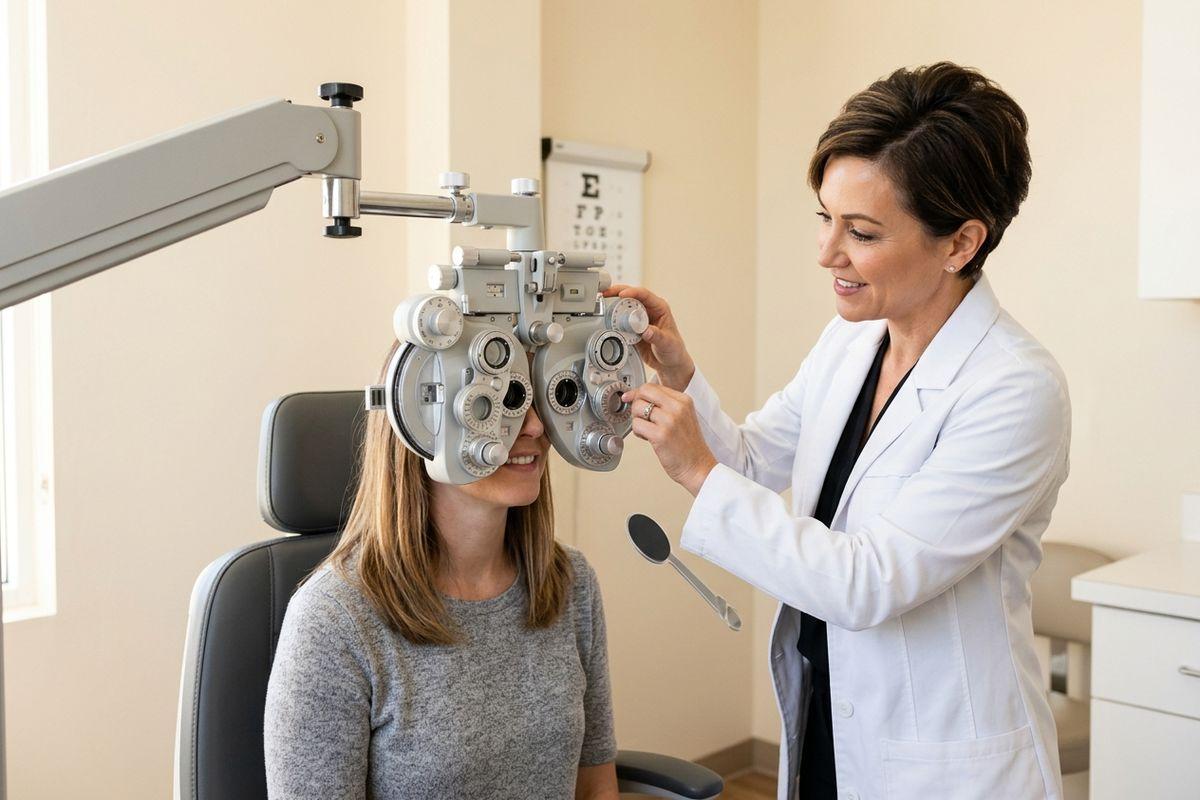
Your visit starts with the usual refraction, then goes a step further. Your optometrist measures how your eyes align at both near and distance ranges, often using a device that tracks your eye movement while you follow a target for roughly 90 seconds.
Numbers only tell part of the story, though. Expect questions about your symptoms, your desk setup, and how many hours you spend up close, because a small misalignment matters more for someone editing spreadsheets all day than for someone who’s mostly outdoors.
From there, you’ll talk through options together. Some people leave with Neurolens, and others do better with a standard prescription plus a few changes to their screen habits.
Give Your Eyes an Easier Afternoon
Screen fatigue is common enough that most people write it off and push through. An exam can tell you whether alignment has anything to do with it.
Talk it over with the optometrists at Total Vision Seal Beach and find out which lenses suit the way you actually spend your day. Book your appointment and give your eyes a lighter workload.